For leadership academies
From the first application to graduation day
Run your flagship programme on one platform: applications and interviews, an intake that meets for months, attendance, assignments, certificates and the report your funders ask for.
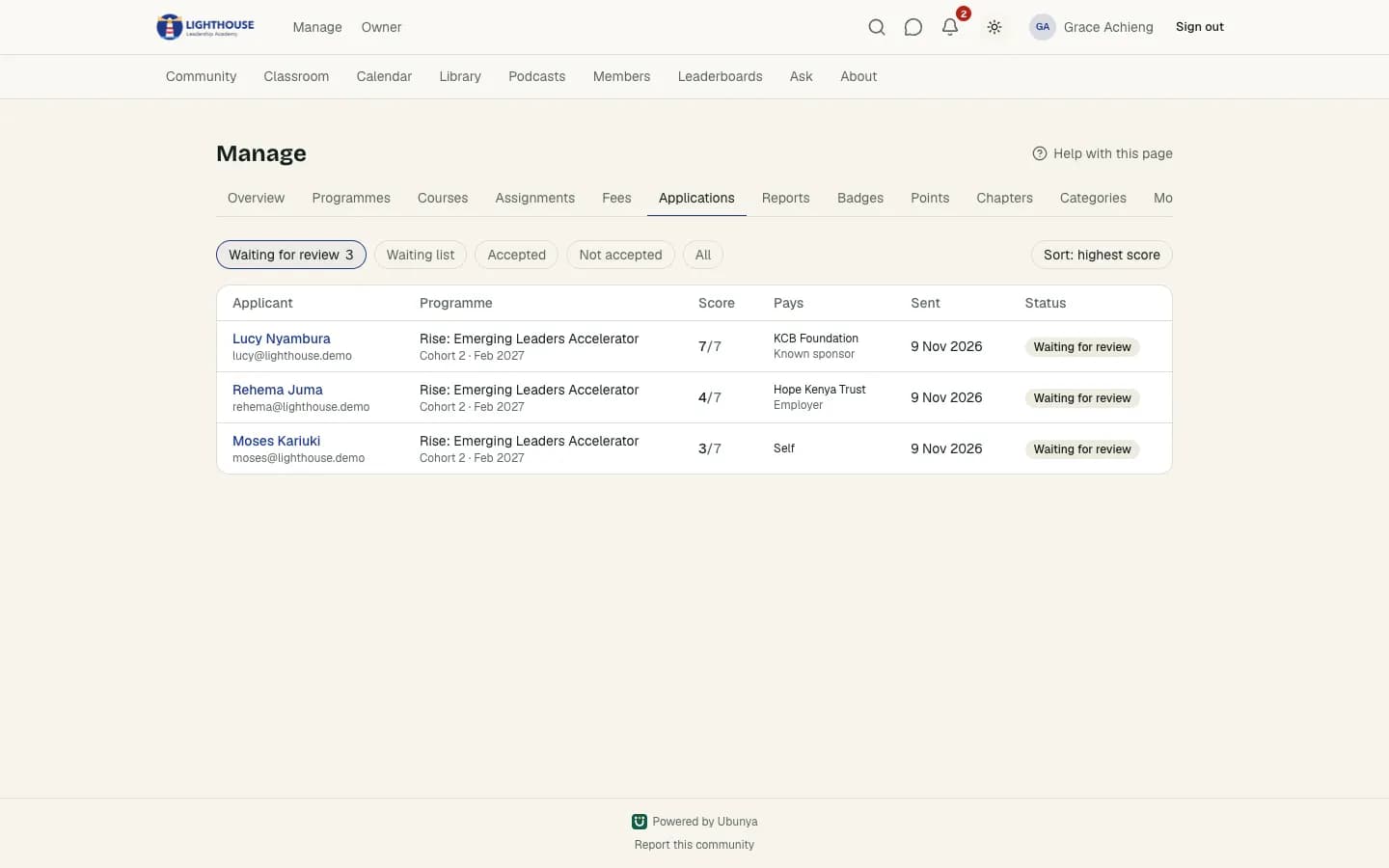
- Applications
- Your own form, a review queue and accept, waitlist or decline emails.
- Intakes
- Dates, seats, class times and a private feed for each cohort.
- Certificates
- Issued on your rules for attendance and lessons, with a public check.
- Funder reports
- Completion, attendance and follow-up surveys, exported to CSV.
Choose the right people for each intake
Build an application form with any questions you need. Reviewers see each applicant's answers, earlier programmes and other applications in one place, and every decision is emailed.
- Short answers, paragraphs, choices, yes/no, numbers and dates
- Points per answer, so the strongest applications rise to the top
- Reviewers only see the programmes their role covers
- Accepting enrols the learner, within the seats you set
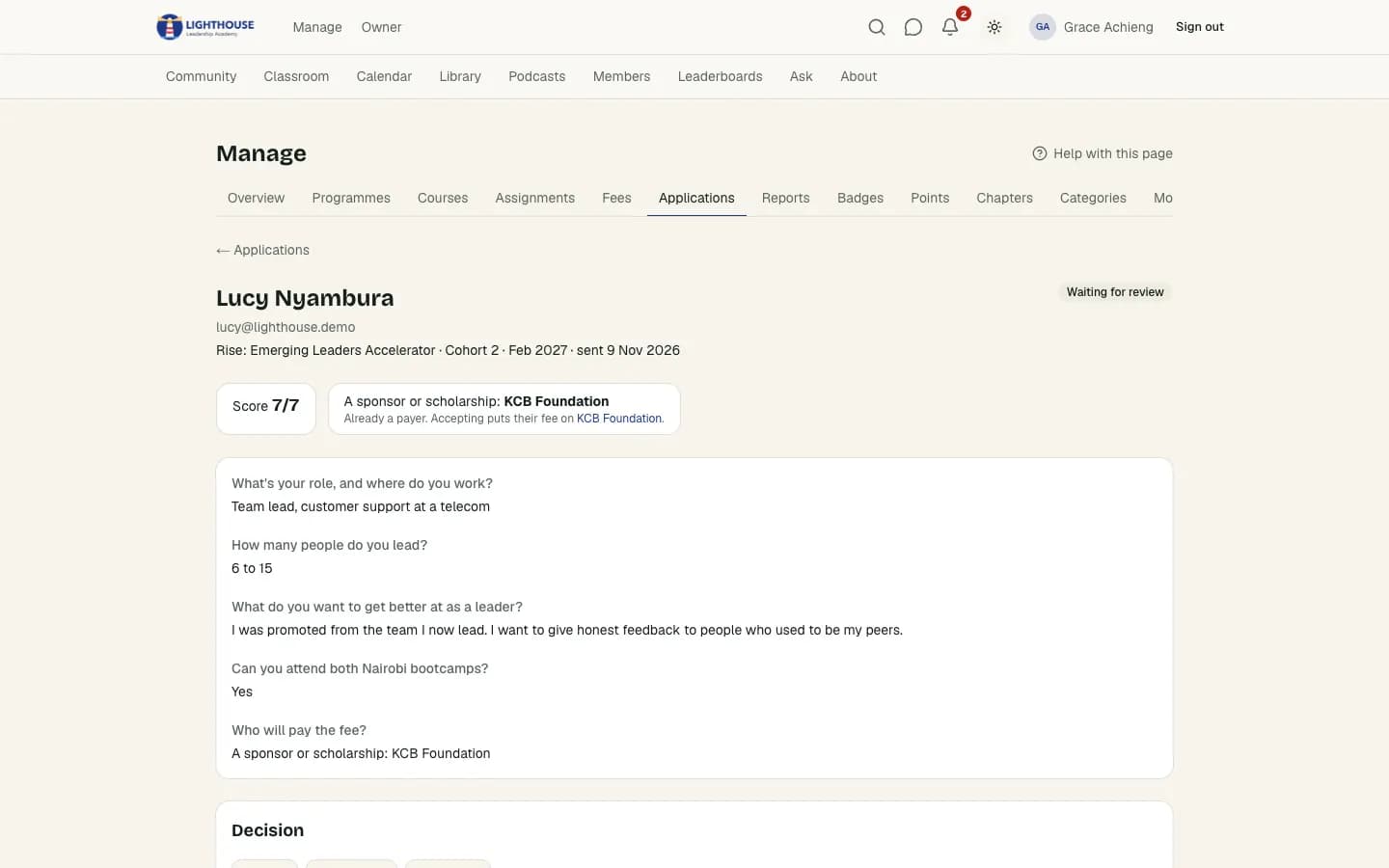
Certificates people can trust
Set the rules once: how many sessions to attend and which lessons to finish. Ubunya shows each learner's progress against them, holds a certificate with a reason when needed, and issues it in your colours.
- A QR code and link that anyone can use to check a certificate
- Employers see who earned it, for which programme and when
- Graduates stay on as alumni with their own space
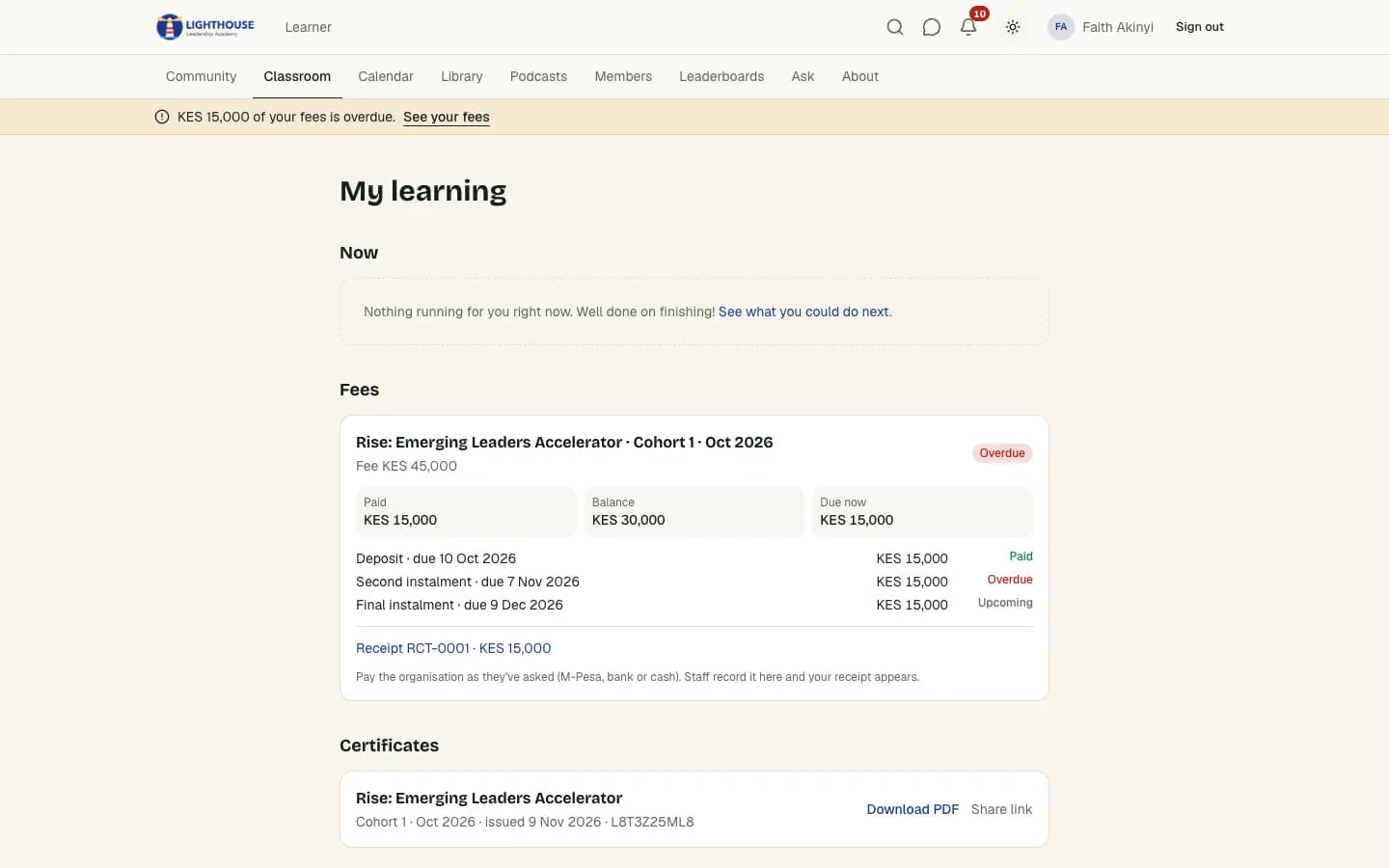
Show funders what their money did
Every intake has an impact report: who applied, who finished, attendance, lesson progress and certificates. Send follow-up surveys months later and export everything for the funder.
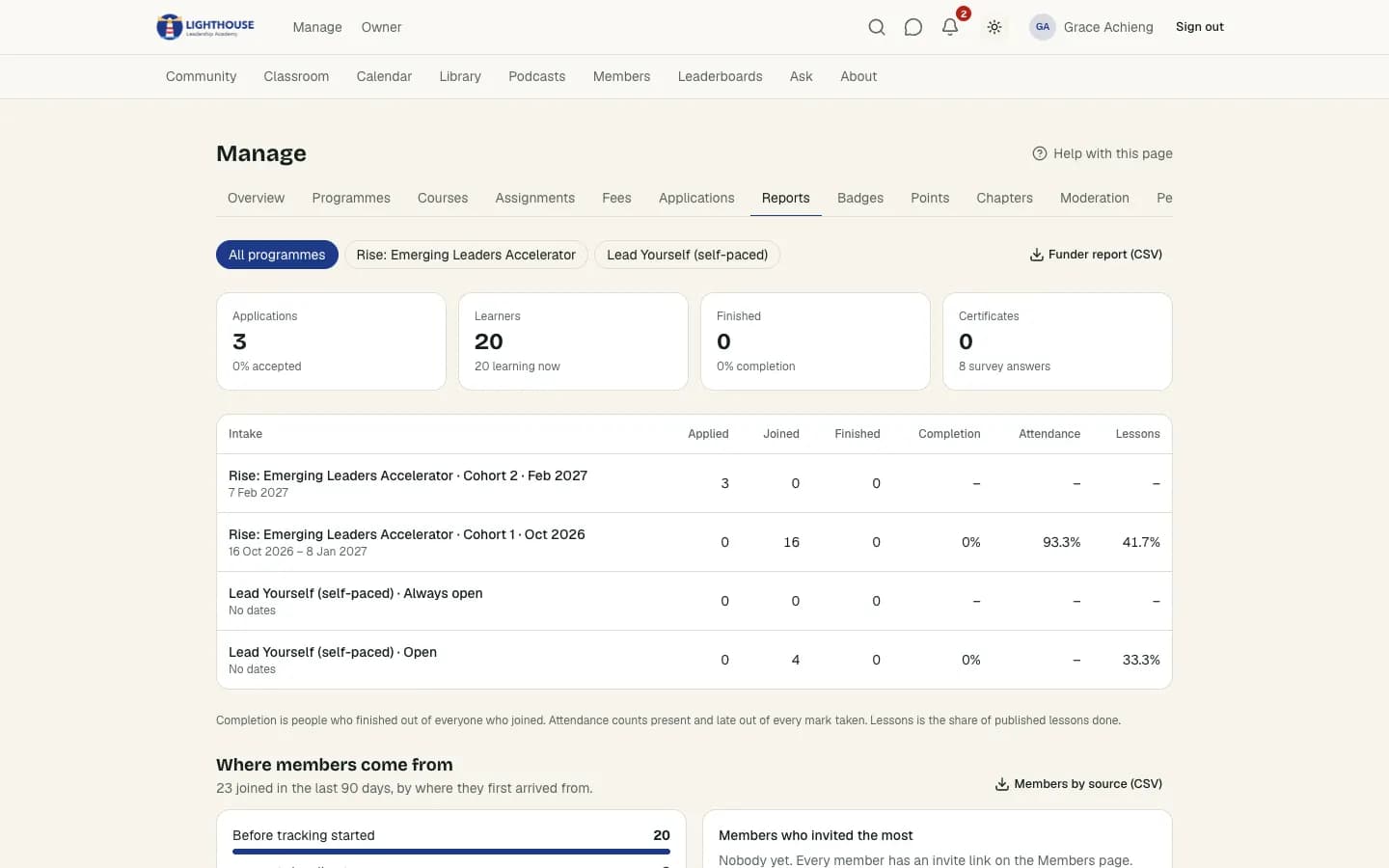
Everything else a long programme needs
Sessions over months
Weekly class times, online or in person, shown in each learner's time zone with reminders.
Assignments with feedback
Learners hand in text, links or files; facilitators reply in a conversation on each one.
Coaching
Coaches set their weekly hours and learners book 1-on-1 time.
Squads
Split the intake into teams with captains, standings and a winning squad.
Programme stages in order
Courses and modules open one after another, or on a date you choose.
Alumni network
Graduates keep their profile, badges and access to the alumni feed.
Questions
Can we keep interviewing applicants outside Ubunya?+
Yes. Waitlist an applicant while you interview, add a staff note with the outcome, then accept or decline. The applicant gets an email either way.
Can facilitators see only their own cohort?+
Yes. Roles are given for the whole community, one programme or one intake, so a facilitator only sees the learners and sessions they run.
Read next
Bring your next cohort to Ubunya
Request a community today. We review every request by hand.